
Most people visiting a pub website aren't looking for anything complicated. They want to know what food you serve, when you're open, whether they can book a table and, perhaps most importantly, what the place actually looks like.
They don't want to spend ten minutes hunting for a menu or discover that your opening times haven't been updated since Christmas 2022.
A good pub website should answer those questions quickly, give visitors a feel for the place and make it easy for them to plan a visit.
Whether you run a traditional village local, a country inn or a busy gastropub, here are the things worth getting right.
1. Make a good first impression
People often decide whether somewhere looks worth visiting within seconds of opening its website.
Your homepage should immediately tell visitors what sort of pub you are.
Are you a cosy country inn with roaring fires and Sunday lunches? A lively town-centre pub showing live sport? A traditional local serving real ales? Or a gastropub where the food takes centre stage?
There's no right or wrong answer. The important thing is that your website reflects the actual experience.
A few things that help:
- A strong photograph showing the pub at its best.
- A short, welcoming introduction explaining what makes it special.
- Clear links to menus, opening times and bookings.
- Your location and contact details.
- Any standout features, such as a beer garden, accommodation or dog-friendly areas.
And resist the temptation to fill the homepage with paragraphs about the history of the building.
That might be fascinating, particularly if Oliver Cromwell once stopped for a pint, but visitors probably want to know whether you're serving lunch first.
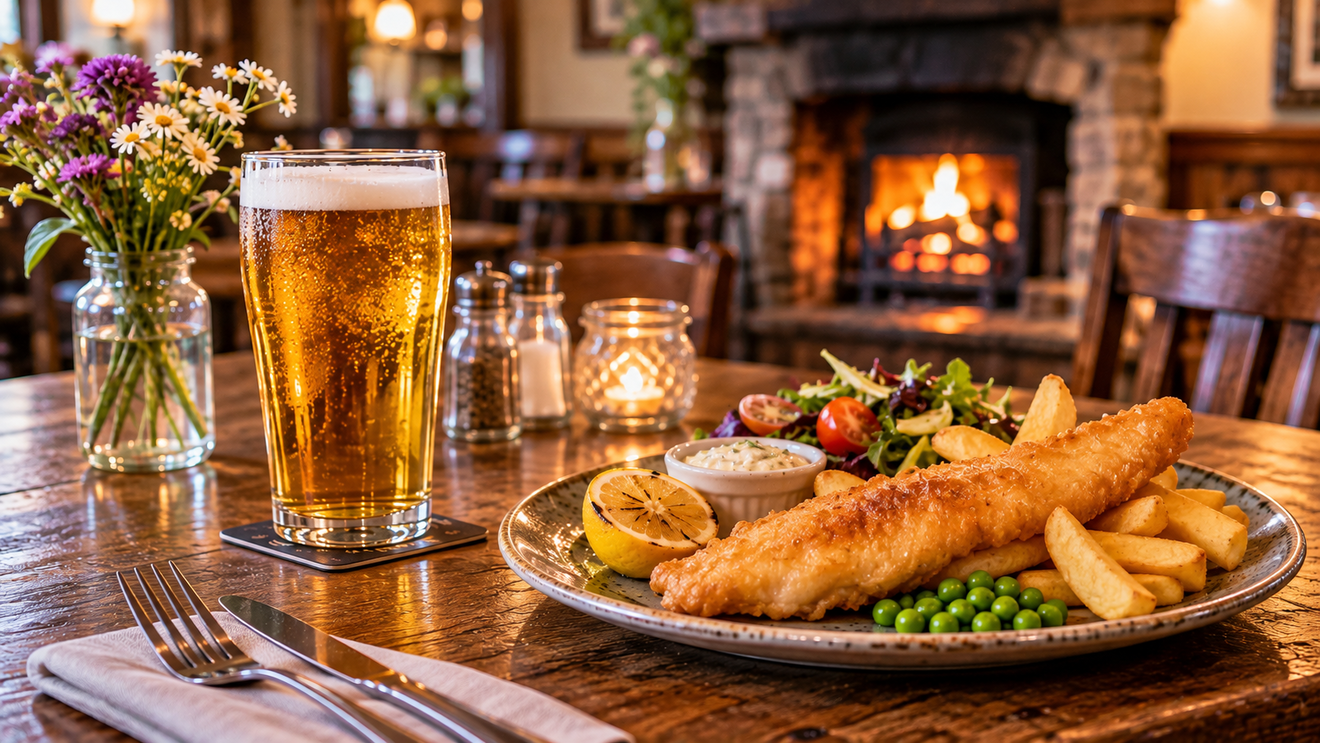
2. Make your food and drink menus easy to find
If your pub serves food, there's a good chance the menu is one of the main reasons somebody visits your website.
Don't make them work for it.
A clearly labelled Food and Drink or Menus link in your navigation is usually all you need.
What should your menu include?
- Current dishes and prices.
- Serving times, particularly if they're different from your opening hours.
- Children's menus, where available.
- Sunday lunch information.
- Vegetarian, vegan and other dietary options.
- Information about allergens and how customers can ask for details.
If you've got separate lunch, evening and Sunday menus, make that obvious.
And if your menu changes regularly, make sure the website reflects those changes.
There's little more disappointing than spending all morning looking forward to steak and ale pie, only to discover it disappeared from the menu six months ago.
Should pub menus be PDFs?
PDF menus aren't necessarily a problem, particularly if they're kept up to date.
But having your menu available as a normal web page is generally better for customers, especially those browsing on their phones.
It's easier to read, easier to navigate and more accessible when implemented correctly.
If you do use PDFs, make sure they're readable on smaller screens and don't require visitors to download enormous files just to find out how much fish and chips costs.
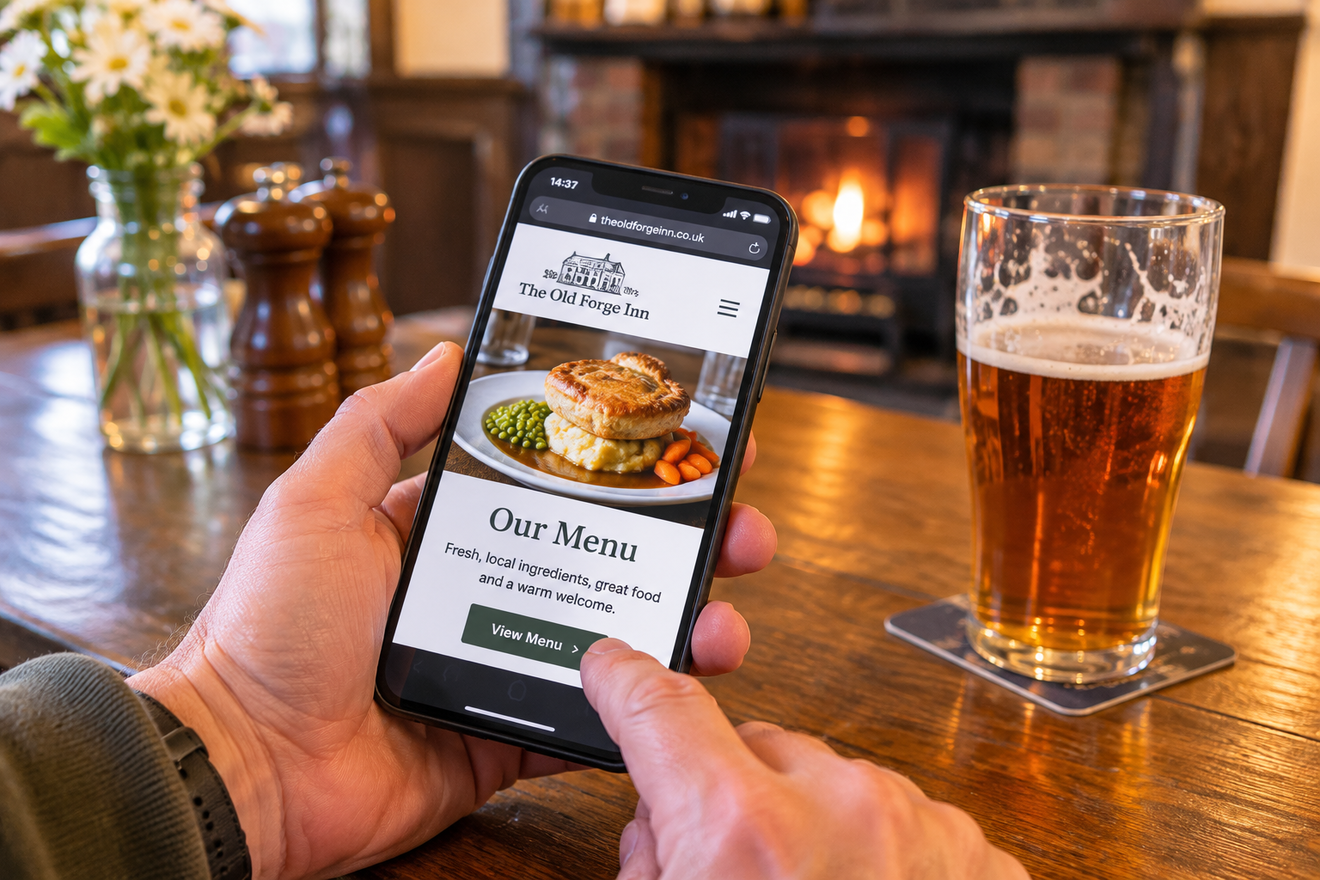
3. Put your opening times where people can see them
This sounds obvious, but you'd be surprised how many hospitality websites make opening times difficult to find.
And there's an important distinction between when the pub is open and when the kitchen is serving food.
For example:
Pub opening | Food served | |
|---|---|---|
Monday–Thursday | 12pm–11pm | 12pm–3pm, 5pm–9pm |
Friday–Saturday | 12pm–12am | 12pm–9pm |
Sunday | 12pm–10pm | 12pm–6pm |
Customers shouldn't have to telephone to discover whether they can still get something to eat at half past three.
Also remember to update your hours for bank holidays, Christmas and other special occasions.
Your Google Business Profile should show accurate hours too, because plenty of people will check Google before they even reach your website.
4. Make booking a table straightforward
If you accept table reservations, make the booking option easy to spot.
A clear Book a Table button in your website navigation is a good starting point.
You don't necessarily need a complicated reservation system. Depending on how your pub operates, you might prefer:
- An online table booking system.
- A simple reservation enquiry form.
- A prominent telephone number.
- A combination of these options.
For a busy restaurant-style pub, an online booking system can save staff time and allow customers to reserve a table outside opening hours.
For a smaller village pub, a telephone number might be perfectly adequate.
The important thing is that customers understand how to book and whether their reservation has actually been confirmed.
If you already use a booking system, a new website may be able to connect to it rather than requiring you to change providers.
You can read more about the options on our Websites page.
5. Show people what your pub actually looks like
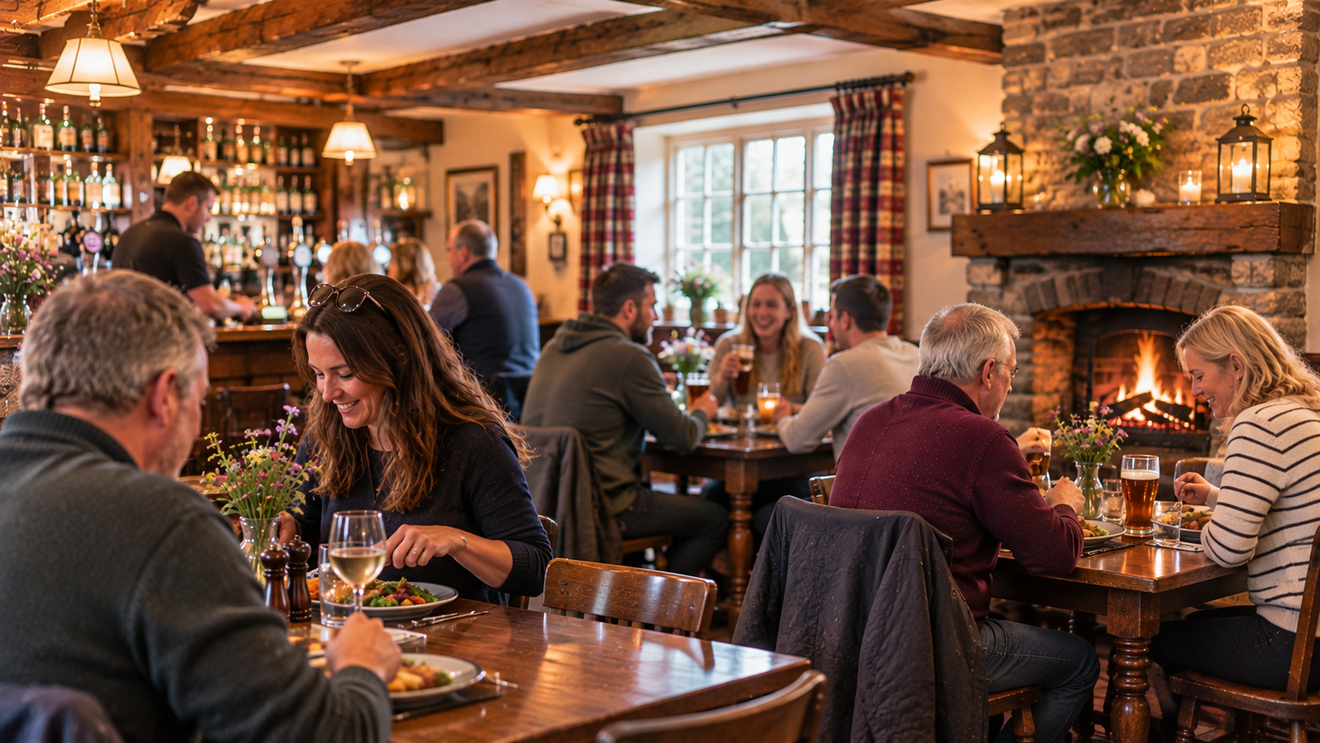
Good photography makes an enormous difference to a pub website.
People want to see the dining room, the bar, the beer garden and the food.
If you've got a lovely open fire, show it. If your garden catches the evening sunshine, photograph it. If you're proud of your Sunday roast, give it a decent picture.
But keep things authentic.
A traditional pub doesn't need to look like a five-star hotel, and a proper village local shouldn't pretend to be a fashionable cocktail bar.
Photographs worth including
- The outside of the pub, so visitors recognise it when they arrive.
- The bar and main seating areas.
- Dining areas and examples of your food.
- Beer gardens and outdoor seating.
- Accommodation, if you offer rooms.
- Any distinctive features, such as fireplaces or views.
Try to use photographs taken in natural light where possible, and avoid showing empty rooms that look as though the pub has been abandoned.
Equally, you don't need to hire fifty people to pretend they're having the time of their lives over a bowl of chips.
A few genuine, well-composed photographs will do the job.
6. Make it easy to find you
Not everybody visiting your website will know where your pub is.
Someone planning a weekend away might have found you through Google. A walker might be looking for somewhere to eat after a long day. A family could be searching for a Sunday lunch while visiting the area.
Make sure your website includes:
- Your full address and postcode.
- A link to directions on Google Maps.
- A telephone number.
- Parking information.
- Public transport details where useful.
- Accessibility information, including step-free access where available.
If your pub is particularly difficult to find, include a little extra guidance.
For example, if the postcode sends sat nav users into the middle of a field, it's probably worth mentioning.
Don't forget Google
Your Google Business Profile is often the first thing potential customers see when searching for your pub.
Keep the opening times, address, photographs and contact information consistent with your website.
Reviews are important too. Encourage genuine customer feedback and respond professionally, particularly when somebody has had a less-than-perfect experience.
7. Tell people about events and what's happening
Pubs are often at the heart of their communities, and there's usually more going on than food and drink.
Quiz nights, live music, charity events, Christmas menus, beer festivals and special offers all deserve a mention.
You don't necessarily need an elaborate events calendar.
A simple What's On section can work perfectly well, provided it's kept up to date.
And that's the important bit.
A website proudly advertising its upcoming New Year's Eve party from three years ago doesn't exactly inspire confidence.
If you regularly post events on Facebook, your website can provide a permanent place for the essential details, with social media helping spread the word.
8. Give visitors a reason to explore the local area
This is particularly useful for country pubs, inns with accommodation and pubs in popular visitor destinations.
People might be looking for somewhere to stop during a walk, enjoy lunch after visiting an attraction or stay while exploring the surrounding countryside.
Your website can help by featuring:
- Nearby walks and cycling routes.
- Local attractions and historic places.
- Villages and towns worth exploring.
- Seasonal events in the area.
- Useful visitor information.
It doesn't need to become a full tourism website, but a little local knowledge can make your pub more appealing to visitors.
Local Area Guides from Nesmo
At Nesmo, we also run Fabulous North and The Cheviots, featuring walks, places and attractions across Northern England.
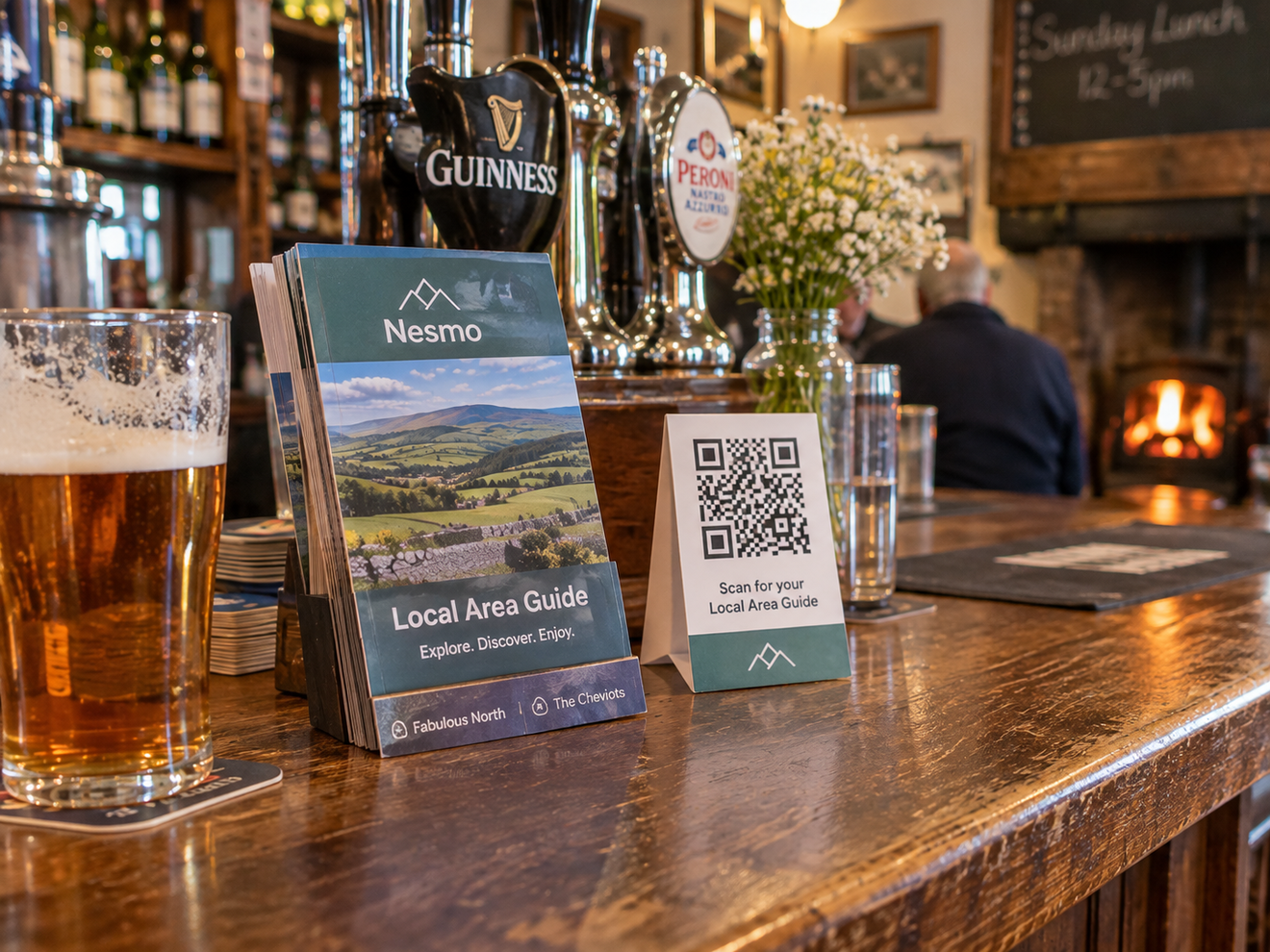
That local knowledge allows us to create Local Area Guides that businesses can share with their visitors.
For pubs with accommodation, guests can explore nearby places through a simple QR code. Guides can also be added to compatible existing websites.
And you don't need a new Nesmo website to use one.
9. Make sure your website works on a mobile phone
A large proportion of people looking for somewhere to eat or drink will be using their phones.
They might be sitting in the car, walking around a village or trying to settle a debate about where to go for lunch.
Your website needs to work just as well on a small screen as it does on a desktop computer.
That means:
- Text that's comfortable to read without zooming.
- Menus that work properly on mobile.
- Buttons large enough to tap.
- Fast-loading photographs and pages.
- Telephone numbers that can be tapped to call.
- Booking forms that don't require endless scrolling and fiddling.
A beautiful website isn't much use if somebody needs the fingers of a concert pianist to operate it.
10. Keep everything up to date without making it another job
Here's the part that often puts pub owners off having their own website.
You've already got staff rotas, suppliers, bookings, customers, stock and a hundred other things demanding your attention.
The last thing you need is another job.
But a pub website only works well if the information is accurate.
Menus change. Opening times change. Events come and go. New photographs need adding.
The answer isn't to stop updating your website. It's to make the updates easy to deal with.
With Nesmo's managed website service, we design, build, host and look after your website.
Need to change a menu, update opening times or add some photographs? Just send them over and we'll take care of the routine updates.
And if you'd rather make changes yourself, you can do that too.
Our managed websites start from £59 + VAT per month, with no upfront development fee and a 12-month minimum agreement.
That means you can concentrate on running your pub while we look after the website.
So, what makes a good pub website?
It doesn't need to be enormous, expensive or packed with clever features.
A good pub website simply needs to help people decide whether they want to visit and make it easy for them to do so.
If somebody can find your menu, check your opening times, see what the place looks like and book a table without any fuss, you're already doing a lot of things right.
Add good photography, accurate information and a little personality, and you've got a website that reflects what makes your pub special.
After all, the aim isn't to impress other web designers. It's to get more people through your door.